Proxmox Home Lab
Production grade proxmox server for ultimate homelab
Proxmox Home Lab on an HP Z840
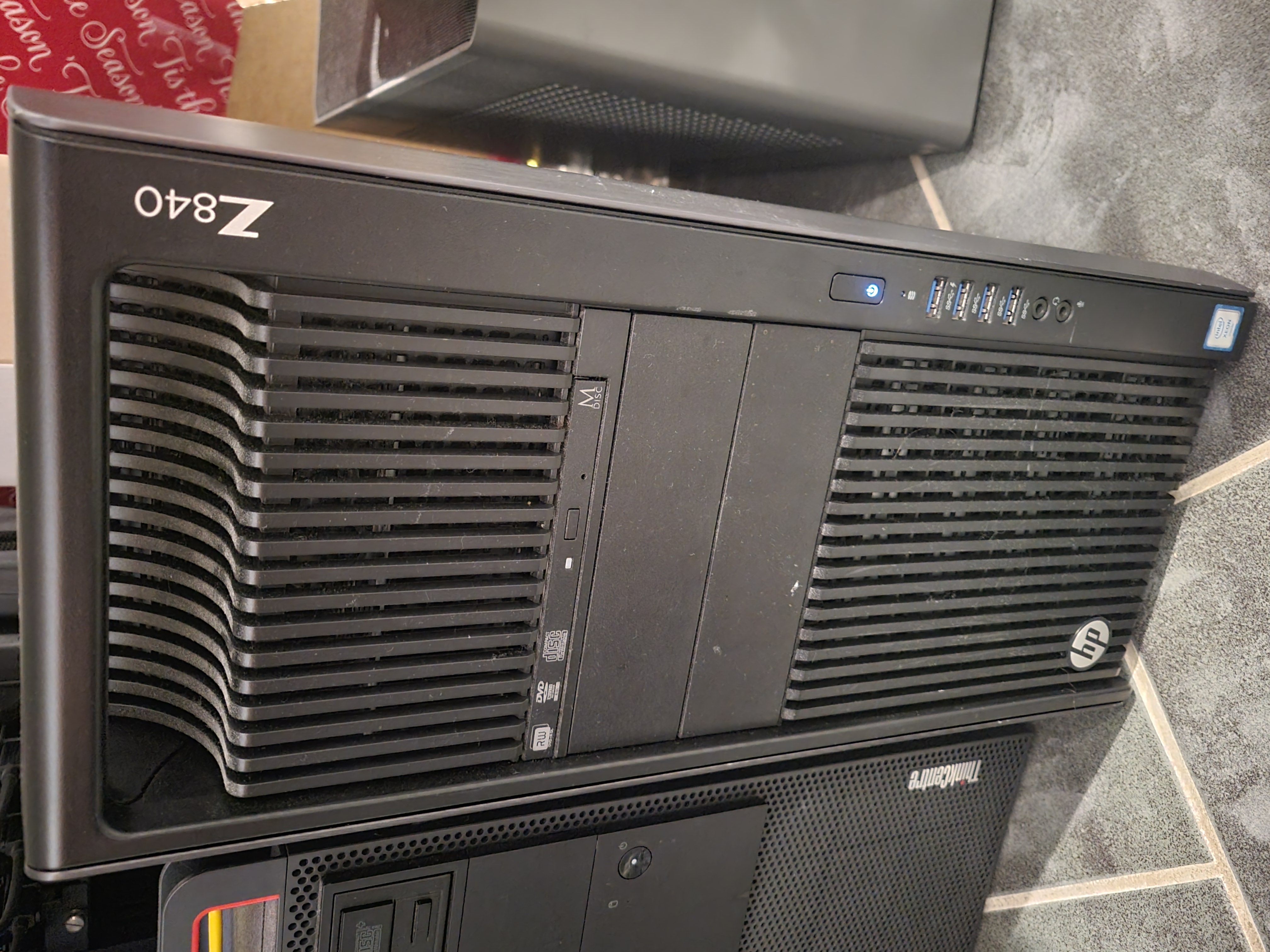
One of the most impactful projects I’ve built and continue to actively maintain is my personal Proxmox virtualization environment, hosted on an HP Z840 workstation. This system serves as the backbone for nearly all of my learning, experimentation, and long-term technical projects, acting as a private, enterprise-style lab where I can safely design, test, break, and rebuild complex systems.
At the core of this setup is an HP Z840, a workstation-class platform well-suited for heavy virtualization workloads. The system is configured with 96 CPU cores, 436 GB of RAM, and 16 TB of high-speed SSD storage, providing ample compute and memory headroom for demanding virtual machines and containers. This hardware allows me to simulate real-world infrastructure scenarios that closely resemble what you would encounter in production enterprise environments.
I built and maintain this environment using Proxmox VE, an open-source virtualization platform that combines KVM-based virtual machines with LXC containers. Proxmox gives me the flexibility to run a wide range of workloads side by side, from lightweight Linux containers to full Windows Server instances. Features such as snapshots, live migration, software-defined networking, and integrated backups make it an ideal platform for both learning and long-term use.
This Proxmox system supports a diverse set of projects. I use it to host development environments for cloud-native applications, simulate multi-tier network architectures, and run services such as monitoring stacks, internal DNS, reverse proxies, and authentication systems. It also serves as a sandbox for DevOps workflows, where I experiment with CI/CD pipelines, infrastructure as code, configuration management, and automated deployments without the risk of impacting production systems.
Security and resilience are also key learning goals within this lab. I regularly deploy firewalls, intrusion detection tools, role-based access controls, and segmented networks to better understand defensive strategies in virtualized environments. By intentionally introducing failures or misconfigurations, I can practice troubleshooting, incident response, and recovery in a controlled setting, which has been invaluable for developing real-world operational skills.
Beyond structured projects, this environment is a constant playground for experimentation. Whether I’m testing a new operating system, evaluating storage configurations, or exploring high-availability concepts, the HP Z840 and Proxmox combination gives me the freedom to explore without limitation. The scale of the system allows me to run multiple parallel experiments while still maintaining stability and performance.
Overall, this Proxmox lab represents more than just hardware and software. It’s a long-term investment in hands-on learning, practical experience, and continuous improvement. By building and operating an enterprise-grade virtualization environment at home, I’ve gained a deeper understanding of systems architecture, performance tuning, and operational discipline, skills that directly translate to professional DevOps, cloud, and infrastructure roles.